
Ever wonder if the stars could guide you every day? Natal chart software brings the gentle sparkle of the cosmos right to your screen. It shows you your birth blueprint in a clear, simple way, almost like clicking through a friendly digital guide. This tool transforms ancient astrological wisdom into an easy-to-read map of where the planets are and what cosmic events are unfolding. It offers a fresh look at how the stars might brighten your understanding of life.
Overview of Natal Chart Software Capabilities
Natal chart software turns the tricky art of astrology into an easy, inviting digital guide. Cloud-based platforms like LUNA® let you explore your astrological blueprint with clickable horoscopes, clear chart profiles, and simple note-taking tools. It makes the mysteries of the stars feel friendly and near, almost like watching a secret cosmic story unfold with each click.
This digital tool blends time-honored astrological wisdom with modern technology. With features like a Spacetime Navigator, you can travel through a timeline of astrological events. Real-time animations display uniwheel, biwheel transit, secondary progressed, and solar arc charts. Whether you’re just curious or a seasoned astrology fan, the platform provides clear, customized insights that fit your needs perfectly.
- Automatic calculation of planetary positions at birth
- Interactive chart visuals like uniwheels and biwheels
- Real-time animation of transits and progressions
- Ephemeris and event timelines
- Custom chart profiles and note-taking features
- Secure, multi-device cloud access
These features help both personal enthusiasts and professional astrologers bring clarity to how cosmic influences shape daily life. It’s a warm invitation to connect with the stars in a way that feels both natural and enlightening.
Getting Started with Natal Chart Software: Data Entry & Privacy
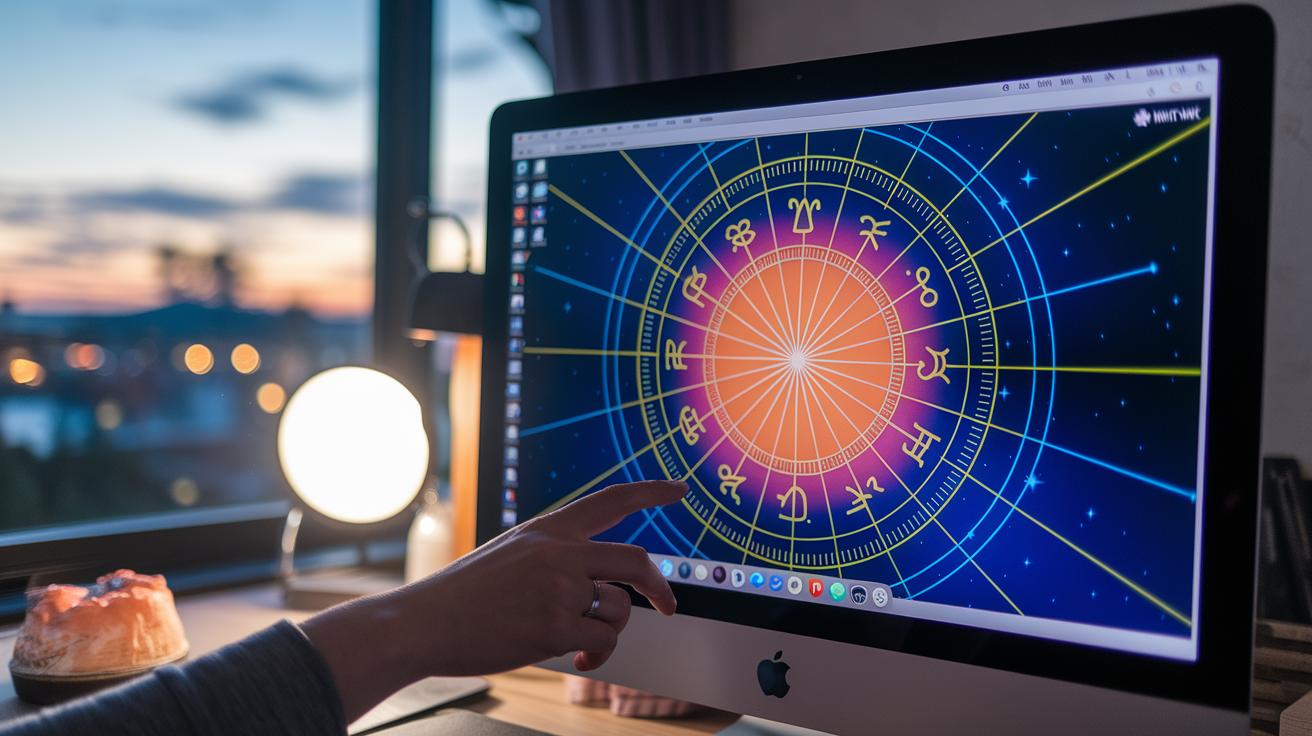
Before you dive into your astrological toolkit, make sure to check out the Terms of Use and Privacy Policy. These guidelines help keep your details secure while you uncover the secrets of your natal chart, which is just a fancy name for the cosmic snapshot of your birth moment. Your chart is created solely from the birth data you enter, so you only share the minimal info needed. You don’t have to provide your full name, which adds an extra layer of privacy.
When you fill out the form, you can use your initials or even leave the name field empty. The software asks for your birth date, time, and location so it can chart a precise picture of the stars at your birth. Sometimes, you'll notice a field labeled "Time Zone Not Sure" for areas with unusual time settings. If you see it, just adjust the number and click Submit again, and your chart will be accurate.
| Step | Description |
|---|---|
| Data Accuracy | Double-check your birth date, time, and location for the most precise chart |
| Anonymity | Use your initials or leave the name blank to keep your identity private |
| Time Zone Adjustment | If prompted, update the “Time Zone Not Sure” field and click Submit again |
| Profile Saving | Remember to save and confirm your birth details in the software settings |
| Terms & Privacy | Review and accept the Terms of Use and Privacy Policy before getting started |
Interpreting Your Chart in Natal Chart Software
Natal chart software makes star analysis feel effortless. Tools like LUNA® let you dive into your celestial blueprint with simple, interactive panels. With just one click, you can explore biwheels and extra charts, giving you a quick peek at planetary midpoints. You can also use smart tags to sort your chart profiles whether you're looking them over for yourself or during a client session. Plus, every clickable horoscope element opens up a detailed look at how each planet influences your sign.
Chart Panel Navigation
The interactive panels have a clear layout that puts your charts at the heart of the experience. It’s easy to switch between different chart styles, like a biwheel view or an auxiliary diagram, by clicking on basic icons. This approach is like flipping through a celestial picture book, making exploration smooth and inviting.
Midpoint Detector
Finding midpoints between the planets is a breeze with built-in tools that highlight these key spots. The software marks the place where two planetary energies meet, so you quickly notice subtle shifts in your chart. This visual aid helps you grasp how combined energies might affect your life in meaningful ways.
Custom Tagging & Profile Organization
Custom tags let you label and sort your charts with ease. Whether you’re just curious or a seasoned observer, tagging brings order, so you can find specific profiles with one simple click. This feature makes it easy to revisit recurring themes or dig back into past insights whenever you need.
Clickable Horoscope Elements
Every element in your chart is clickable, offering more than just a static image of planetary positions. When you click a symbol, you learn more about each planet’s impact on your sign. For a deeper dive into what the symbols mean, you can check out the built-in reference guide.
Advanced Features of Natal Chart Software

This pro-level natal chart software gives you amazing tools that make exploring the stars feel natural and clear. It is like having your own little cosmic guide right on your screen. With features like live animations, precise tracking, and custom settings, you can dive into your horoscope and see the dance of the celestial bodies in a way that really speaks to you.
Live Transit & Progression Animations
The software brings your charts to life with animated views of uniwheel, biwheel, solar arc, and progressed charts. Powered by the Spacetime Navigator, these live animations let you watch the planets move as if you were right there with them. It almost feels like a live cosmic clock marking each important astrological moment. You can catch every subtle change, making your analysis as smooth as a gentle midnight breeze.
Comprehensive Ephemeris Module
The ephemeris module is a powerful tool that tracks exact moment timings, house transits, and even changes in planetary directions. You can set your own date range to zoom in on moments that matter most, whether it’s a big event or a slow, steady progression. This detailed view helps you get the clear, precise info you need to read your horoscope like a true cosmic detective.
Customization & Interface Control
Customization is at the heart of this software. A smart settings screen lets you switch between two different color themes and fine-tune your viewing experience. The Spacetime Navigator not only animates your charts but also makes it simple to work through complex data. Its friendly, easy-to-use interface lets you organize your chart profiles, adjust displays, and create a workflow that fits your unique style, be it personal exploration or professional analysis.
Pricing and Subscription Options in Natal Chart Software
Cloud-based tools like LUNA® add a modern spark to astrology. For just $7.99 a month, you get full access on all your devices without the need to install anything. You pay upfront every month, and although there’s no free trial and no refunds if you cancel, the value is clear. The regular cloud updates keep your astrology tools fresh and ready to explore, and the Loyalty Program locks in your price forever.
- Monthly plan for $7.99 with full device access
- No free trial available
- No refunds given upon cancellation
- Loyalty Program keeps pricing steady indefinitely
This simple subscription covers everything you need, from personal insights to professional astrological guidance. Even without a free trial, the ongoing updates mean you always enjoy the latest features wherever you are. It’s a practical model that stays in tune with the fast flow of today’s cosmic discoveries.
natal chart software: Stellar Chart Analysis

When picking out your natal chart software, keep it simple and practical. Look for tools that nail the basics: solid planet calculations, detailed chart profiles, and easy-to-use features like live animations and the ability to tweak your chart how you like. You want software that comes at a fair price, without sneaky extras that can trip you up.
Next, think about which devices you'll use it on. It's a bonus if your tool works well on smartphones, tablets, and desktops. That way, whether you're out under a starry sky or at home, you can check your charts anytime. Features like smooth cloud access and steady performance across platforms really make a difference.
A friendly, clear user interface is a huge plus too. Choose software that sports a simple layout, fun switchable color themes, and a central settings area that’s easy to find. This helps you get comfortable fast so you can spend more time exploring your chart rather than puzzling over the controls.
Lastly, don’t forget about support and updates. Good vendor support means someone’s there to answer your questions and offer helpful tips. Regular updates also keep your tool fresh with new features and fixes. This is super important if you depend on your software for both professional insights and personal stargazing adventures.
Final Words
In the action, we explored how natal chart software merges modern features with ancient guidance. We covered practical data entry and privacy, interactive chart interpretation, and advanced tools like live animations and a robust ephemeris. Each segment showed how to use these features for clear, empowering insights.
Every section brought us closer to understanding personalized astrological patterns. Embrace these cosmic insights and let accurate natal chart software guide you toward confident, enriched decisions.
FAQ
How can I download free professional astrology software?
The free professional astrology software options let you download basic tools for calculating and viewing charts without advanced extras. They give casual users an easy introduction to astrological calculations and interpretations on PCs.
What are the best professional astrology software options?
The best professional astrology software combines precise chart calculations, interactive visuals, and customization tools. Top-rated options include cloud-based platforms with real-time animations and detailed ephemeris functions for accurate astrological analysis.
What astrology software offers built-in interpretation features?
Astrology software with built-in interpretation provides clickable chart elements that reveal clear explanations of planetary positions. These programs guide you through the meanings behind astrological symbols for a deeper understanding of personal charts.
Which astrology tools are available for PC and Windows?
Astrology software for PC and Windows is designed for seamless use with interactive charts and real-time calculations. These programs typically offer cloud access and robust features that cater to both new and experienced users.
How does Solar Fire astrology software compare to others?
Solar Fire astrology software is known for its advanced charting tools and reliable calculations. It offers detailed transit analysis, user-friendly customization, and is favored by many serious astrologers for its precision and depth.
Which natal chart system is most accurate?
The most accurate natal chart system depends on your astrological methods. Many professionals prefer systems based on exact planetary positions at birth, with whole sign houses often chosen for their clear, consistent interpretations.
Can ChatGPT provide astrological insights?
ChatGPT is capable of offering general astrological insights from its training data but does not perform live chart calculations or personalized interpretations like dedicated astrology software does.